A little screen time, a lot less fuss.
TeeBee is a calm home screen for your TV. Your kids pick from the shows and movies you chose, a gentle timer counts down where they can see it, and it ends with a goodbye, not a meltdown.
- No ads
- No accounts
- Works with the apps you have
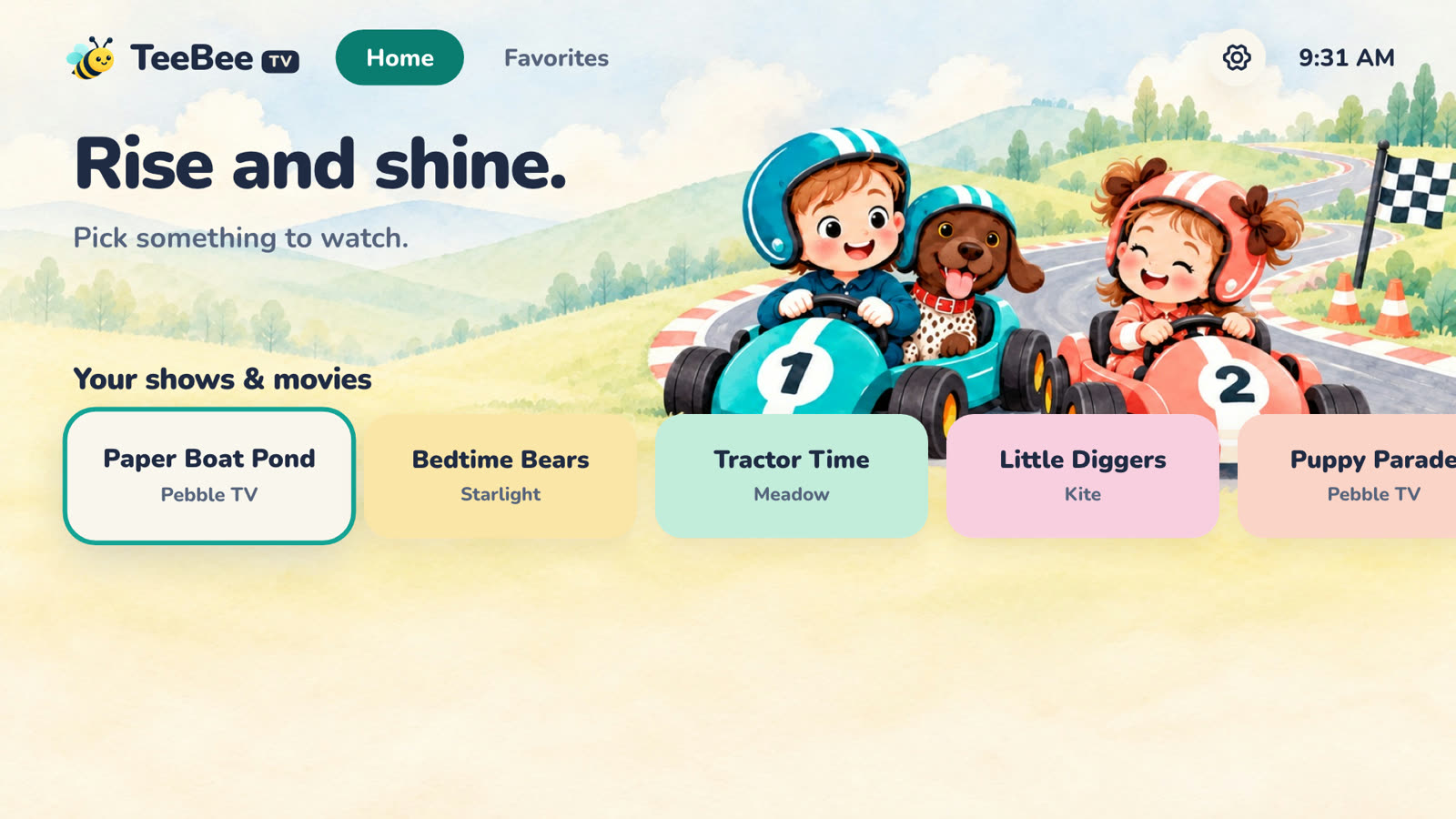
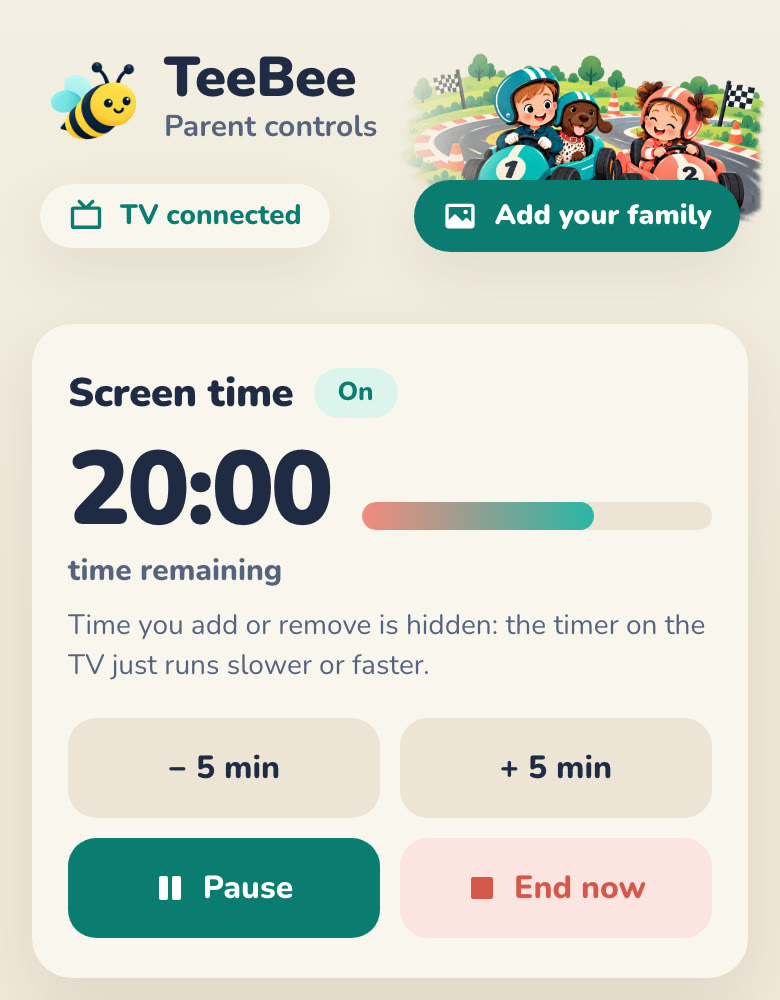
Screen time, in between time. Done right.
Sometimes you just need twenty minutes. TeeBee makes those minutes calm, for them and for you.
TVs are built to keep kids watching.
TeeBee is built to help them stop.
The usual TV
- Rows of loud thumbnails
- Autoplay rolls into “just one more”
- Time's up comes as a surprise
- Turning it off starts a standoff
With TeeBee
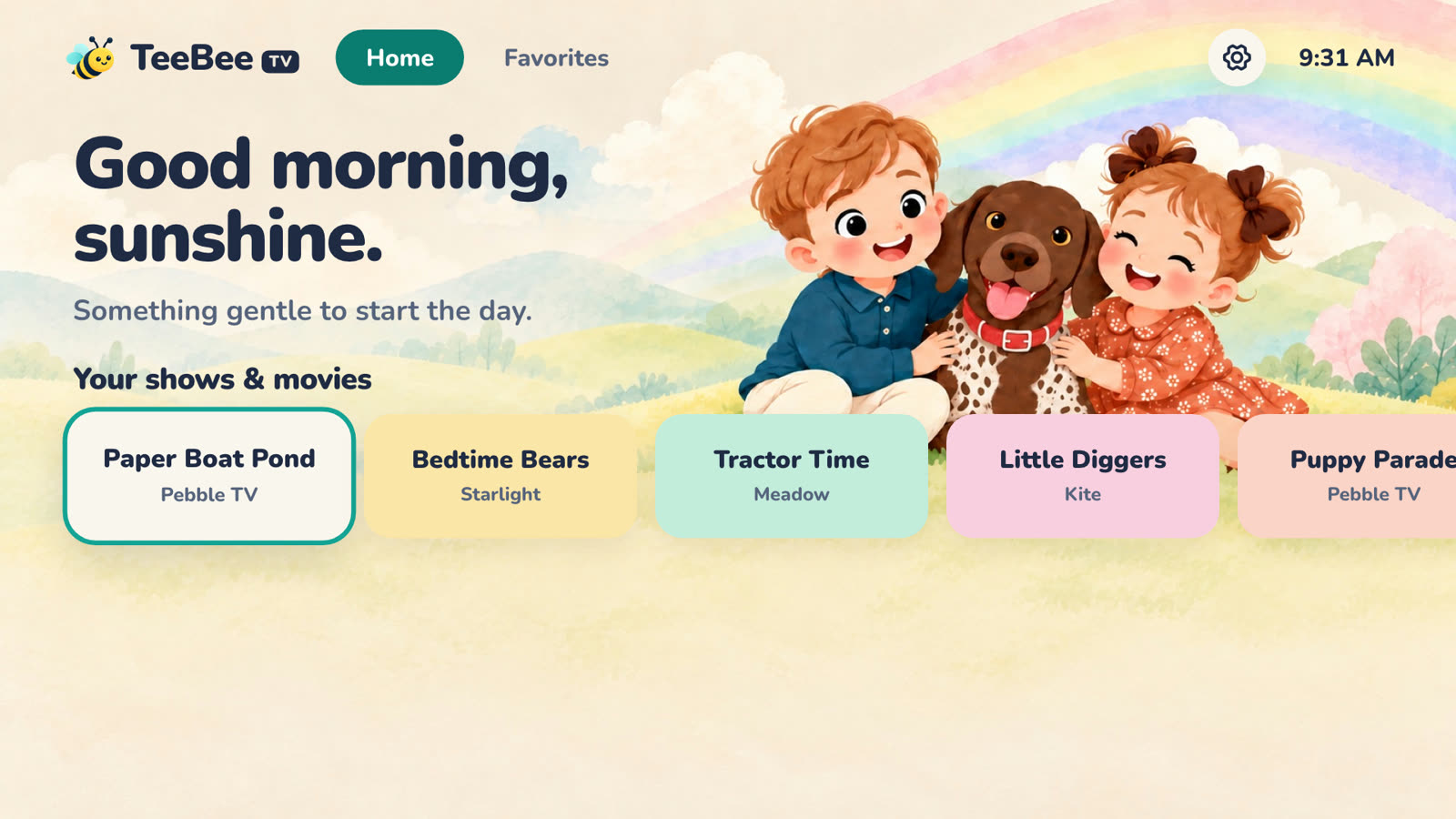
- Only the shows and movies you picked
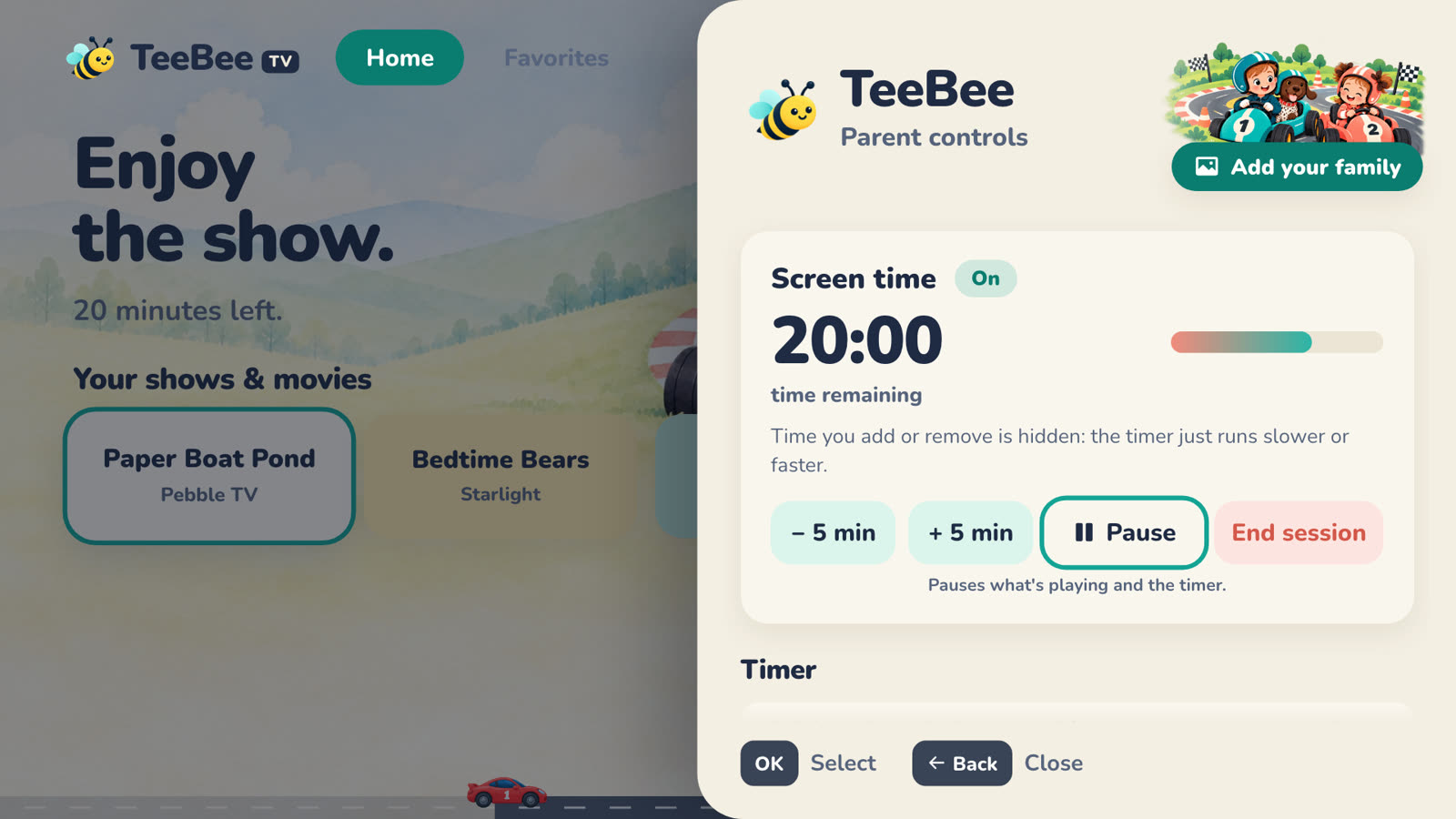
- A timer they can see, the whole time
- A gentle, predictable goodbye
- You're in charge, from your phone
Set it up once. Then it just works.
Pick their shows
From your phone, add the shows and movies your kids love: search, tap an idea, or paste a link. They show up on the TV right away.
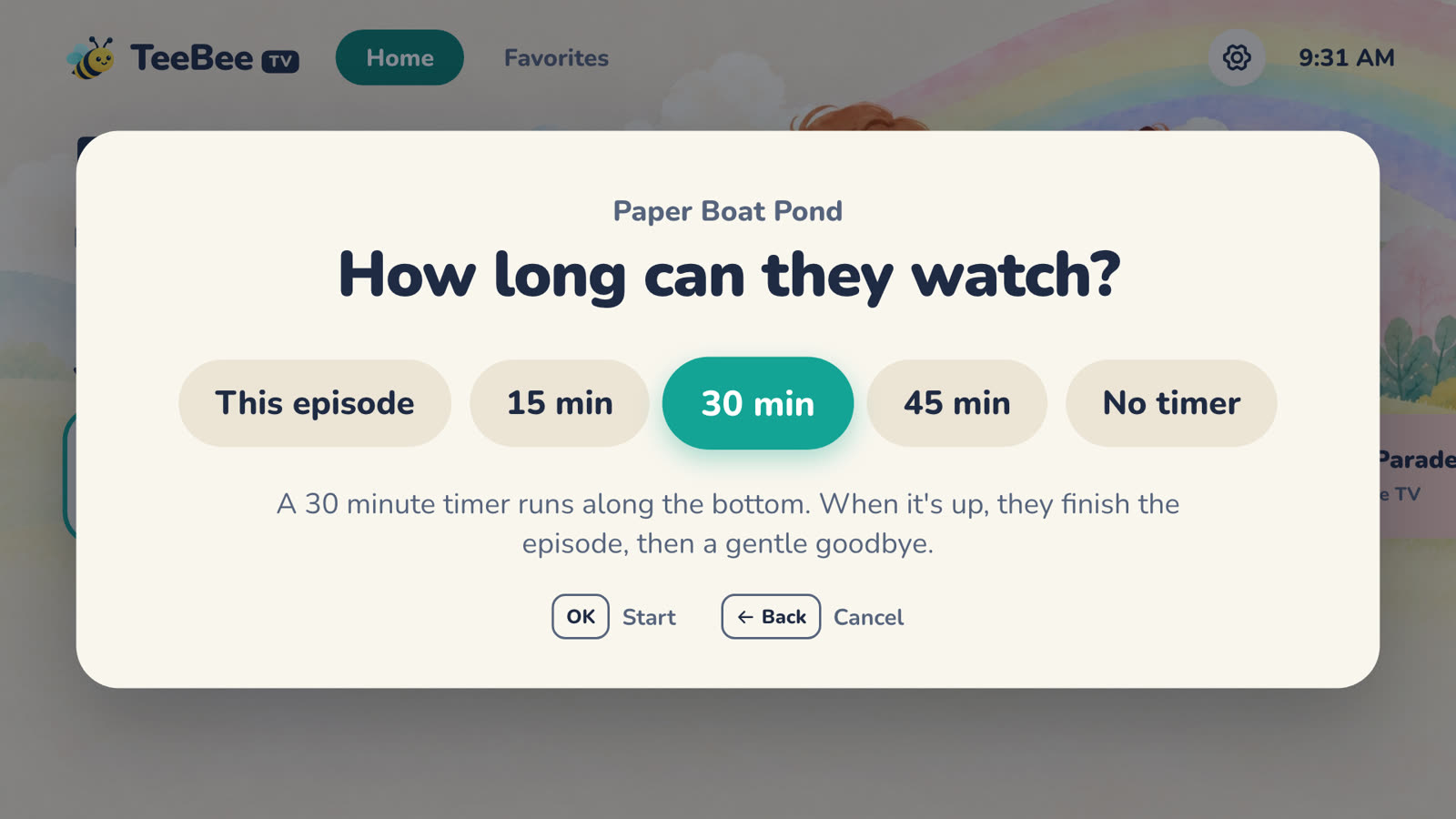
They choose, you set the time
Kids pick what to watch. TeeBee asks a grown-up how long: one episode, a whole movie, or 15, 30 or 45 minutes.
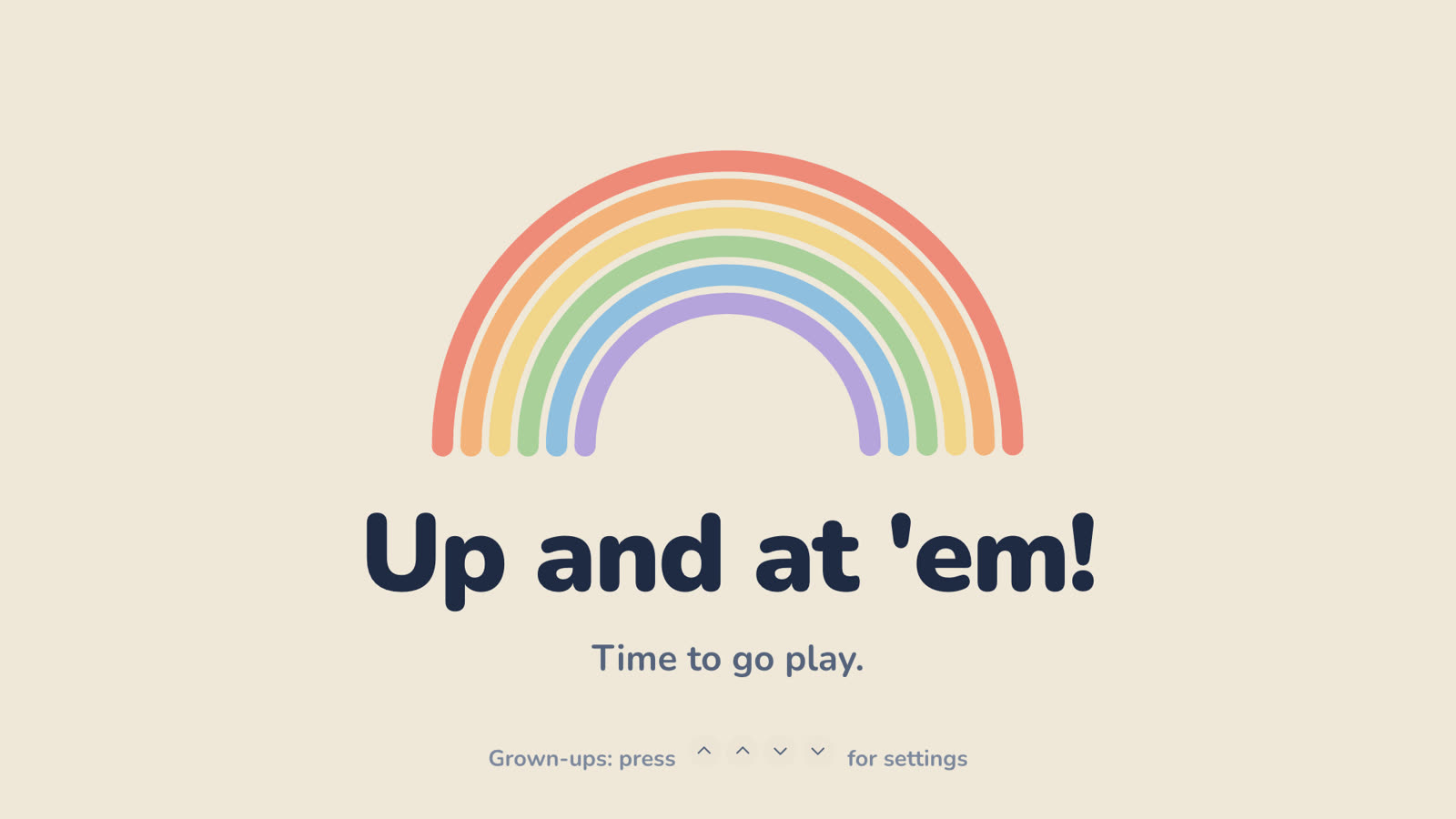
A gentle goodbye
The timer counts down on screen. When it's done, the show fades out and TeeBee says goodbye. No surprises.
Thoughtful, down to the little things.
Only what you choose
Kids pick from the shows and movies you added. No thumbnails, no “recommended for you”, no rabbit holes.
A timer they can see
A gentle rainbow or race track counts down on screen, even on top of Netflix, so the end is never a surprise.
A gentle goodbye
When time's up, TeeBee winds down softly with a message that fits the time of day. No standoff, no surprise.
You're in charge, from your phone
Add or take away time, pause, or call it a day from your phone. The time you add is hidden: the timer just runs slower.
Toddler-proof grown-up menu
Settings hide behind a secret remote code: Up, Up, Down, Down. And the Home button brings them back to TeeBee.
Your family in the pictures
Turn a family photo into TeeBee's illustrations, so your own kids star on their home screen. Early access.
The streaming apps you already pay for.
TeeBee doesn't replace your apps. It opens the exact show you picked in Netflix, Disney+ and the rest, keeps the timer on top, and brings the kids back to TeeBee when it's done.
- Netflix
- Disney+
- Prime Video
- Paramount+
- HBO Max
- Apple TV
- PBS KIDS
- YouTube Kids
Nothing to sell your kids.
- No ads, ever
- No account, no sign-up
- Your shows, settings and screen time stay on your TV
- Your phone talks to the TV over your own Wi-Fi
- Family photos are used only to draw your pictures, then let go
Good questions, from parents.
What do I need?
A TV with Google TV (like the Google TV Streamer, Chromecast with Google TV or a TV with Google TV built in), the streaming apps you already use, and a phone on the same Wi-Fi. No account to create.
Which streaming apps does it work with?
The ones you already pay for: Netflix, Disney+, Prime Video, Paramount+, HBO Max, Apple TV and PBS KIDS, plus links from most other apps. TeeBee opens the show you picked right in its own app.
How much does it cost?
Nothing while TeeBee is in beta: every feature is free, including the ones marked Plus. After the beta, TeeBee stays free with up to 12 shows and movies and one theme, and TeeBee Plus ($4.99 a month or $39.99 a year) adds schedules and daily limits, all your shows and movies, every theme, and your family in TeeBee's pictures. Every TV will get 14 days of Plus free first, and we'll tell you well before anything changes.
Can my kids get around it?
TeeBee makes it hard on purpose: the Home button brings them back to TeeBee, and settings sit behind a secret remote code. For the streaming apps themselves, use a kids profile and lock grown-up profiles with a PIN. Here's how, app by app.
What happens when time is up?
The show gently fades, and TeeBee says goodbye with a message that fits the time of day (“Time to take on the day!” in the morning, “Goodnight, sleep tight” at bedtime). The TV stays on TeeBee's calm screen until a grown-up starts a new session. You can also let them finish the episode they're on.
Is my family's information private?
Yes. Your shows, settings and screen time stay on your TV. There are no ads, no accounts and no tracking. If you use family pictures, your photo is used only to draw them and isn't kept. Read our privacy policy.
What about iPhone, Fire TV or Roku?
Grown-up controls work on any phone, iPhone or Android, right in the browser. On the TV, TeeBee is for Google TV for now. Other TVs are on our list: tell us which one you'd like.
More answers in the Help Center.

Give screen time a happier ending.
Everything in TeeBee is free while it's in beta. Set it up in about ten minutes.
Get TeeBee free